
Start creating
How to Design Your Own Clothes Without Sewing
A favourite photo. An original drawing. A phrase only your friends understand. Turn your idea into a personal piece with Kaleido’s 3D Editor.
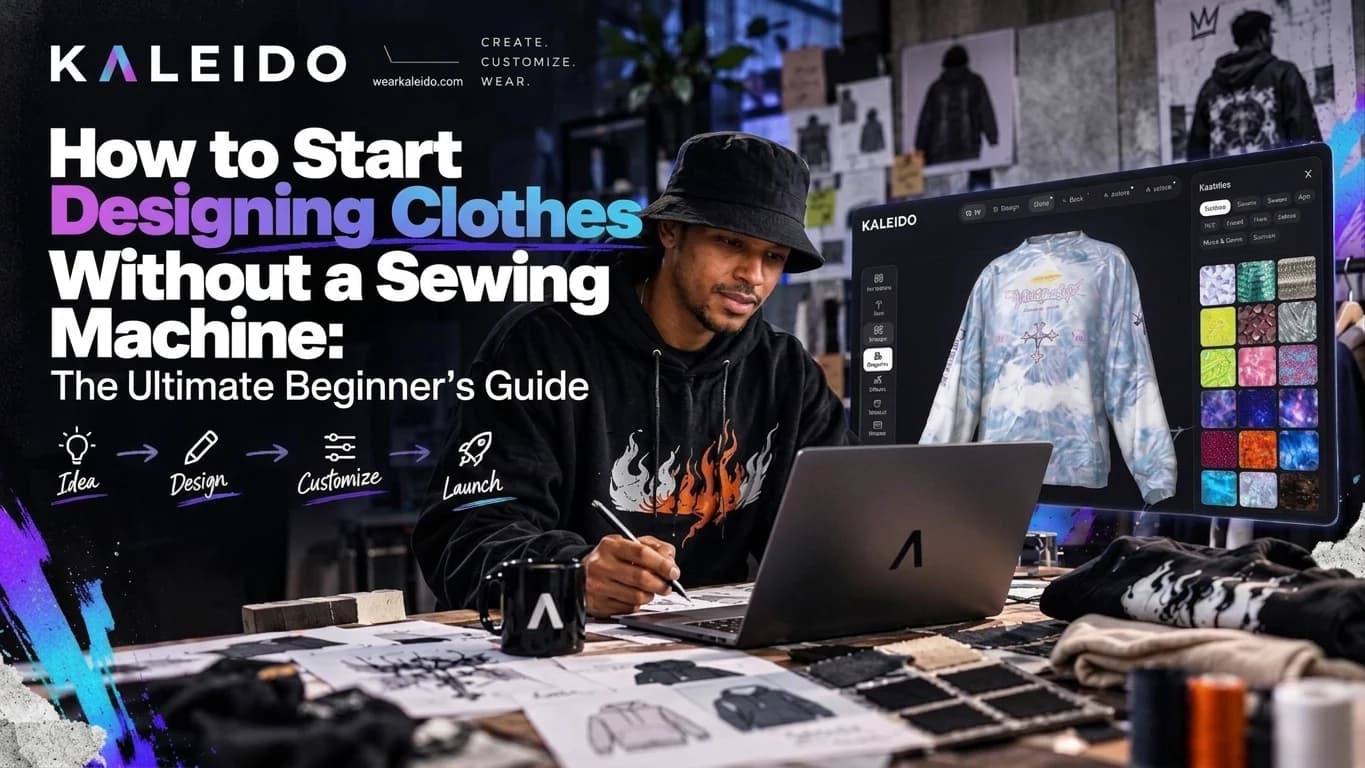
In this guide
You can design your own clothes without sewing: choose an existing garment, add your artwork and check the placement in 3D. With Kaleido, you can start with a single piece. No factory contacts or bulk order needed.
Start with something worth wearing
The best starting point is personal. A photo that makes you laugh. A sketch you keep returning to. Your dog, given the full bootleg-tour treatment. You already have more material than you think.
For yourself
Turn your own illustration into a back print, with a small matching detail on the front.
For someone you know
Build a photo tee around their favourite person, pet or inside joke. Make the reference unmistakably theirs.
1. Find your fit first
The garment is part of the design. Choose its fit and colour before you decide how big the graphic should be.
Stanley/Stella · 180 g/m²
Clean & everyday
Start with the Creator for a medium-fit tee that lets a simple graphic do the talking.
Comfort Colors · approx. 207 g/m²
Relaxed & lived-in
A garment-dyed base for vintage-inspired graphics and an easy, relaxed fit.
Cotton Heritage · approx. 237 g/m²
Boxy & bold
Dropped shoulders and an oversized shape for a more substantial streetwear silhouette.
2. Give one idea the spotlight
Open a template or start with your own artwork. Add the main image first, then decide whether text or a second detail makes it stronger.
- Pick a small colour palette that works with the garment.
- Make the main text readable without zooming in.
- Leave room around the graphic. Empty space is part of the composition.
- Use photos, artwork and fonts you own or have permission to print.
3. Look at the whole piece in 3D
Rotate the garment in the Kaleido 3D Editor. Check the front, back and sides, then zoom out. A print that looks impressive close up can feel too large on the whole garment.
- Does the main graphic sit where you want it?
- Do the front and back feel like the same design?
- Is the important detail clear of seams and panel edges?
Make the first version yours
You do not need a whole collection or a perfect design portfolio. Start with one piece you are excited to wear or give. Once it arrives, try it on and see what you would keep—or change—for the next one.
Frequently asked questions
Can I design clothes without sewing?
Yes. You can design graphics and patterns for existing garments without sewing them yourself. Kaleido lets you customise available products in 3D and order one piece. Creating a new garment cut still requires pattern development and sampling.
Do I need professional design software?
No. You can start with text, artwork and templates in the Kaleido 3D Editor. Separate illustration or photo software is useful if you want to create or edit your own source artwork.
Can I order just one custom garment?
Yes. Kaleido supports single-piece orders without a minimum order quantity. The current product, size, delivery options and total price are shown during the ordering process.
What is the easiest first clothing design?
A T-shirt with one clear graphic is a manageable starting point. Pick the fit and colour first, keep the composition simple and check the artwork at its intended print size before ordering.